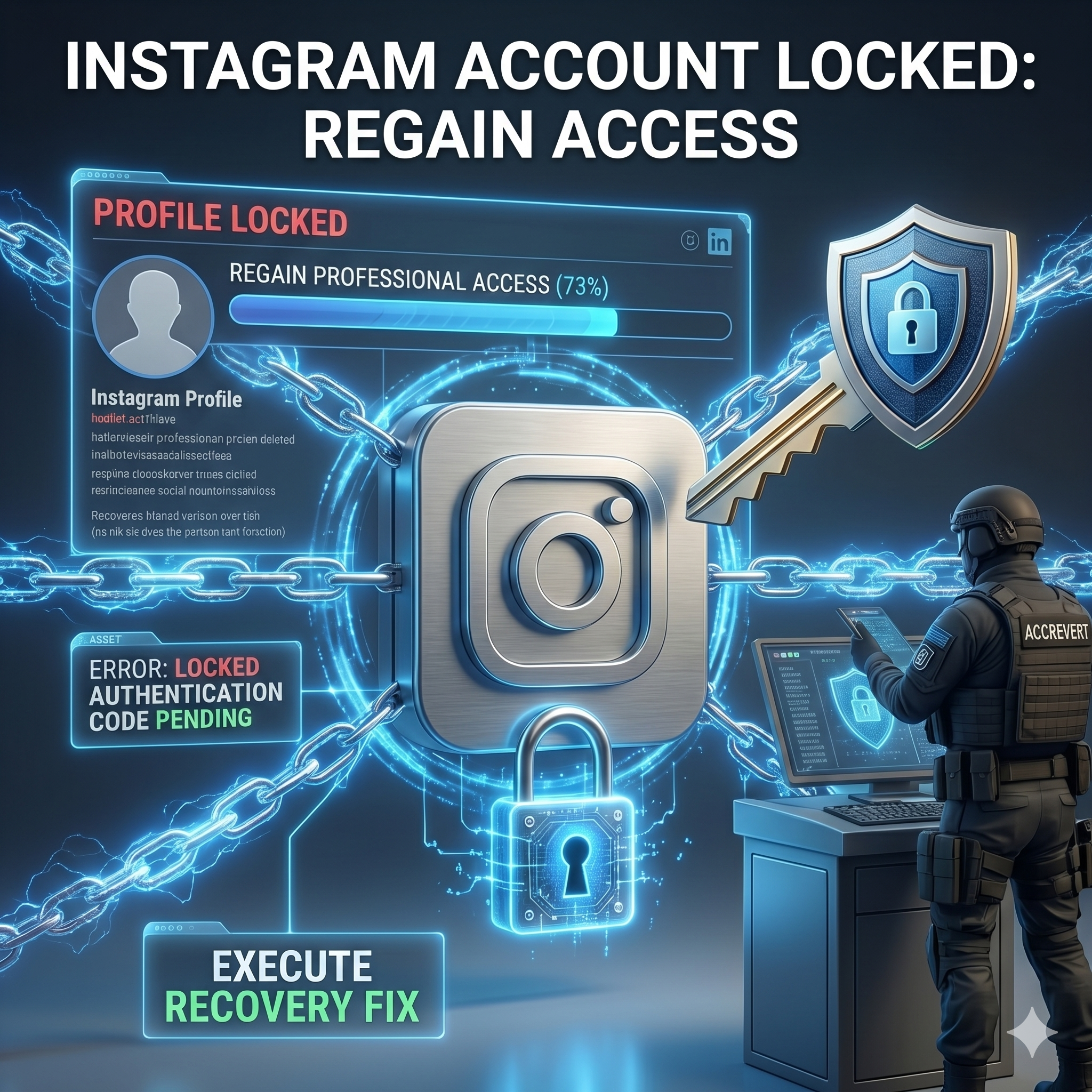
An Instagram account that is suddenly locked can cut you off from your followers, your content, and — for creators and businesses — your income. The good news: recovery is almost always possible, but only if you take the right path for your specific lock type. Using the wrong recovery route wastes the critical early hours. This guide shows you how to diagnose your lock and follow the exact protocol that works.
First: Diagnose Your Lock Type
Instagram locks accounts for three main reasons, and each has a different recovery path. Match the message you see to the correct route:
| Lock message | Lock type | Recovery path |
|---|---|---|
| “We detected unusual activity” | Suspicious activity | Identity verification via selfie video |
| “Your account has been disabled” | Policy violation | Appeal with supporting evidence |
| “We couldn’t verify your identity” | Authentication failure | Selfie video / ownership evidence |
| “This account has been suspended” | Spam / violation detection | Appeal + waiting period |
Recovery Path 1: Suspicious-Activity Lock
- On the login screen, tap “Get more help.”
- Select “I can’t access this email or phone number.”
- When prompted, record a short selfie video — your face turning slowly, from multiple angles.
- Instagram compares it to photos on your account; if matched, you receive a login link by email within 24–72 hours.
Recovery Path 2: No Access to Original Email or Phone
- On the “Forgot Password” screen, choose “Need more help?”
- Select “I don’t have access to this phone number or email.”
- Provide your username, the device used when the account was created, and an email you can currently access.
- Instagram may request additional ownership evidence to confirm your identity.
Recovery Path 3: Disabled for a Policy Violation
If the account was disabled, submit an appeal through the in-app prompt or the Instagram help form. Be specific, factual, and calm — explain why the action was a mistake and attach any evidence of legitimate use. Avoid filing multiple appeals at once, which can push your case into an auto-deny queue.
When to Get Professional Help — How AccRevert Recovers Instagram Accounts
If selfie verification keeps failing, your name does not match the account, or a hacker changed every contact detail, you need escalation beyond the public forms. AccRevert compiles the specific evidence package Meta’s reviewers respond to and escalates through channels not available to individuals. A flat $299 to start, success-based after recovery. See our Instagram recovery service.
Frequently Asked Questions
How long does it take to unlock an Instagram account?
Selfie verification typically returns a result in 24–72 hours. Policy-violation appeals can take longer. Using the correct path for your lock type is the biggest factor in speed.
What if my Instagram selfie verification keeps failing?
Retry once in good lighting with multiple angles and no glasses or hat. After about three failures the case usually enters an auto-deny queue, at which point professional escalation is the realistic path.
Can I recover a locked Instagram without the original email or phone?
Yes — through the “Need more help?” flow using your username, a past device, and a reachable email, plus ownership evidence. It is harder but frequently successful.
Will I lose my followers and posts if my account is locked?
No — a locked account is not deleted. Followers and content are preserved and restored once you regain access, which is why recovering rather than starting over matters.
Final Checklist
- Identify your lock type from the exact message shown.
- Use the selfie-video path for suspicious-activity locks.
- Use “Need more help?” if you lost the original email/phone.
- Escalate after repeated selfie failures instead of retrying endlessly.
Locked out of Instagram and can’t get back in? Don’t lose your followers, content, and business connections — submit your case to AccRevert. Pay only on success.
Related Articles
Stop guessing and document the case properly.
Our team can review the account history, available ownership evidence and the recovery steps already attempted.
How to Verify Your Identity on Instagram Without an ID
Instagram Hacked and Email and Password Changed? How to Recover