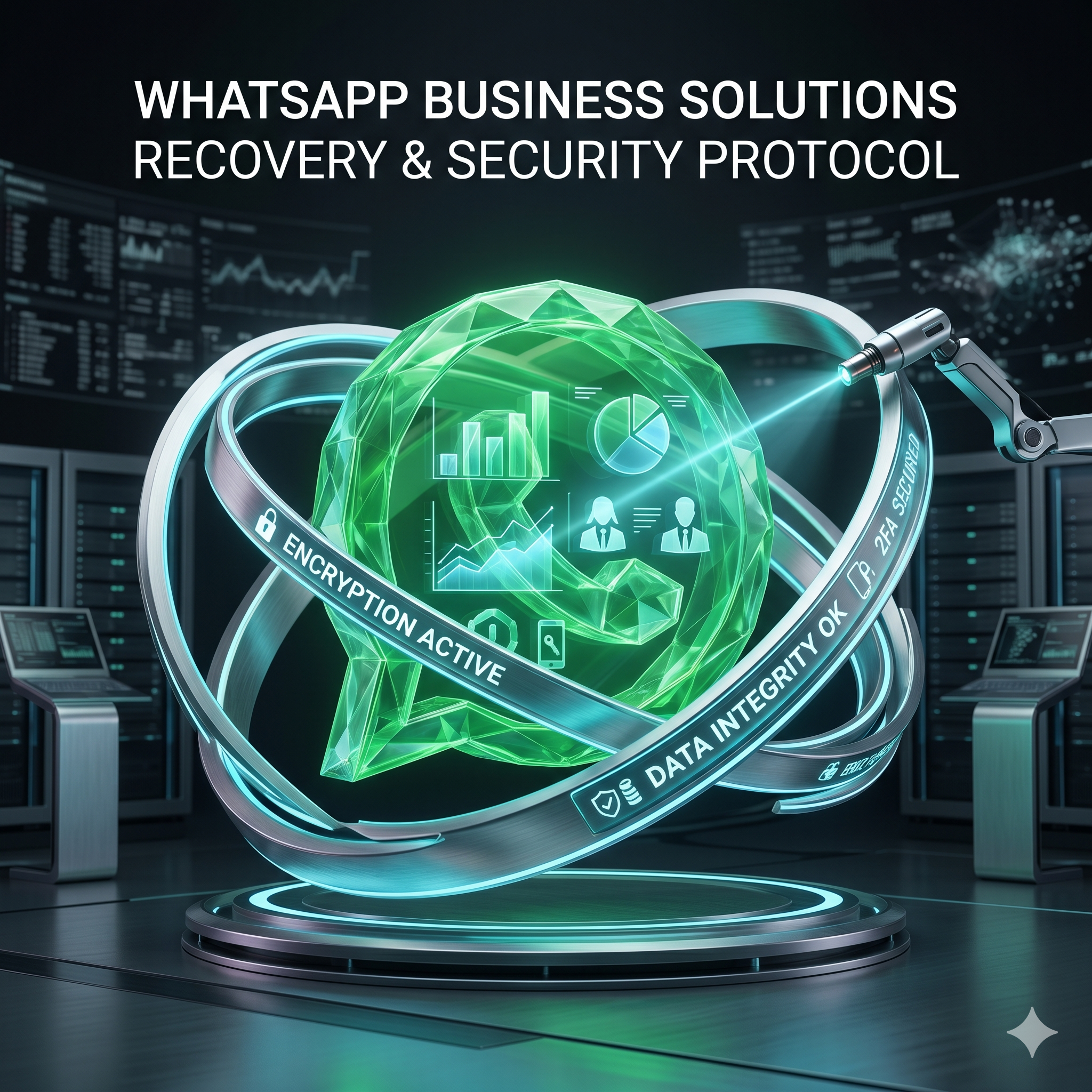
WhatsApp Business account problems — blocked, hacked, or restricted — need a different approach than personal-account recovery. Business accounts carry higher stakes, use different support channels, and have more recovery options. Crucially, the right path depends on whether you use the free WhatsApp Business app or the WhatsApp Business API, because the two have completely different support structures and policies.
WhatsApp Business App vs Business API
| Feature | Business App (free) | Business API |
|---|---|---|
| Scale | Small business, 1 device | Medium–large, multiple agents |
| Ban risk | Higher (same rules as personal) | Lower (different moderation) |
| Recovery path | Standard appeal | Through your BSP |
| Verified badge | Not available | Available with verification |
| Support access | Limited | Direct Meta business support |
Common Business-Account Issues and Fixes
- Blocked for “spam”: usually from messaging non-contacts or using automation. Appeal with your business use case and move to the API for future messaging.
- Hacked business account: re-register through the standard process, then immediately notify customers and update your business channels.
- Number restricted from new contacts: a soft ban — reduce volume and message only opted-in people until it lifts.
- Lost device: use WhatsApp Web from another device immediately, then re-register on a replacement.
Security Best Practices for WhatsApp Business
- Always enable two-step verification on the business number.
- Limit who knows the PIN to essential staff.
- Audit linked devices regularly under Settings → Linked Devices.
- Never use unofficial WhatsApp apps for business.
- Get customer opt-in before messaging — it dramatically lowers report rates.
When to Move to the Business API
If you send more than ~50 customer messages a day, have multiple staff needing access, or have had repeated blocks, it is time to move to the official WhatsApp Business API. It offers far better ban protection, higher messaging limits, the verified badge, and dedicated support — turning WhatsApp from a liability into a stable customer channel.
How AccRevert Helps WhatsApp Businesses
AccRevert specializes in WhatsApp Business recovery and infrastructure — reinstating blocked business numbers, recovering hacked accounts, and guiding the migration to a compliant API setup that stops the bans from recurring. A flat $299 to start, success-based after recovery. See our WhatsApp recovery service.
Building a Ban-Resistant WhatsApp Setup
The businesses that never get banned share a pattern: they collect explicit opt-in before the first message, they send from a verified Business API number rather than the free app at scale, they keep response times fast so quality ratings stay high, and they give customers an easy way to stop. Treat WhatsApp like email marketing — permission-based, valuable, and easy to unsubscribe from — and both the platform and your customers reward you with a stable, high-trust channel instead of a number that keeps disappearing.
Frequently Asked Questions
Why does my WhatsApp Business app keep getting blocked?
The free Business app follows the same anti-spam rules as personal WhatsApp, so messaging non-contacts, high volume, or automation triggers bans. The durable fix is migrating to the Business API.
Can a blocked WhatsApp Business number be recovered?
Often yes — App bans through a standard appeal, and API issues through your BSP. High-value numbers usually benefit from direct policy-team escalation.
Is the WhatsApp Business API safer from bans?
Yes. The API runs under different moderation standards and, combined with opt-in messaging and business verification, is far less likely to be banned than the free app used at scale.
How do I protect my business number from being hacked?
Enable two-step verification, restrict the PIN to essential staff, audit linked devices, use only the official app, and never share verification codes.
Final Checklist
- Match the product to your volume — API beyond light manual use.
- Enable two-step verification and limit PIN access.
- Collect opt-in and message only saved/opted-in contacts.
- Escalate blocked high-value numbers rather than retrying.
WhatsApp Business issues hurting operations? Submit your case to AccRevert — pay only when we succeed.
Related Articles
Stop guessing and document the case properly.
Our team can review the account history, available ownership evidence and the recovery steps already attempted.
WhatsApp Business API vs Standard App: Avoiding Account Bans
WhatsApp Lost SIM Card — How to Recover Your Account