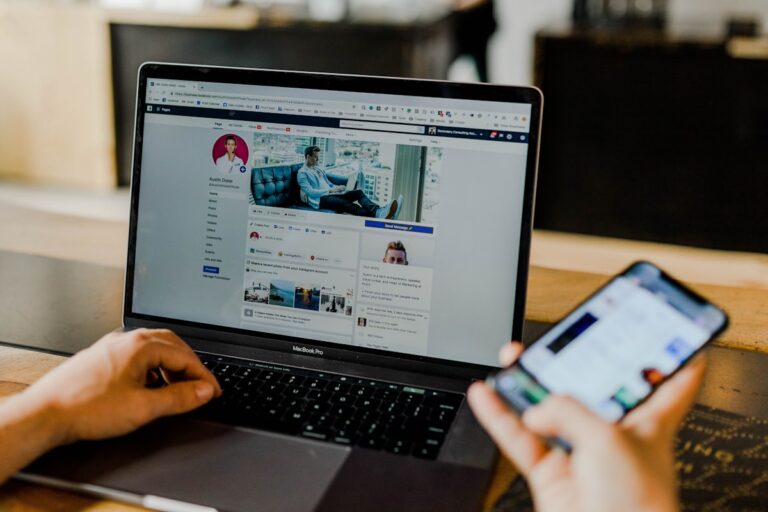
Learning how to secure your Facebook account before a hack happens is far easier — and far cheaper — than recovering one afterward. Most takeovers succeed because of a weak password, no two-factor authentication, or a forgotten connected app. This complete checklist walks you through every setting you need to lock down today, in priority order.
1. Use a Strong, Unique Password
Use at least 12 characters mixing uppercase, lowercase, numbers, and symbols — and never reuse it on any other site. Password reuse is the number-one cause of account takeovers: one breached site exposes every account sharing that password. A password manager generates and stores unique passwords so you never have to remember them.
2. Enable Two-Factor Authentication
Go to Settings → Security and Login → Two-Factor Authentication and choose an authenticator app over SMS (SMS is vulnerable to SIM-swap). This single step blocks the vast majority of unauthorized logins, because even a stolen password is not enough to get in.
3. Review Where You Are Logged In
Open Settings → Security and Login → Where You’re Logged In and log out of any device or location you do not recognize — especially old phones, work computers, and shared devices where a session may still be active.
4. Turn On Login Alerts
Enable “Get alerts about unrecognized logins.” Facebook will notify you the instant someone logs in from an unknown device, giving you the early warning that so often makes the difference between a quick fix and a permanent lockout.
5. Audit Connected Apps
Go to Settings → Apps and Websites and remove everything you no longer use. Old third-party apps with broad permissions are a frequent backdoor — a forgotten game or quiz from years ago can be the exact entry point an attacker uses.
6. Verify Your Recovery Information
Confirm your recovery email and phone number are current under Settings → Personal information. These are your lifeline if you are ever locked out — an outdated recovery email can make your own account unrecoverable.
7. Protect the Email Behind Your Facebook
Your email account controls your Facebook password reset. Secure it with its own strong password and 2FA. A hardened Facebook account is meaningless if the email behind it is easy to breach.
Extra Protection for Business and Creator Accounts
If you run a Facebook Page, Business Manager, or Ads account, the stakes are higher — a takeover can drain ad budgets and damage your brand. Add these safeguards: require two-factor authentication for everyone with access in Business Manager, remove ex-employees and stale partner permissions, assign at least two trusted admins so you are never locked out by a single point of failure, and set up billing alerts so unexpected ad spend is caught within hours rather than days.
Frequently Asked Questions
What is the single most important Facebook security setting?
Two-factor authentication with an authenticator app. It blocks almost all unauthorized logins even when an attacker already has your password.
Is SMS two-factor authentication safe enough for Facebook?
It is better than nothing, but SMS can be intercepted through SIM-swap attacks. An authenticator app or a hardware security key is significantly safer.
How often should I review my Facebook security settings?
Check “Where You’re Logged In” and connected apps monthly, and any time you get an unexpected login alert. A five-minute monthly review prevents most slow-burn takeovers.
Can I secure my account if I think it was already accessed?
Yes — change the password, end all sessions, enable 2FA, and remove unknown apps immediately. If the attacker already changed your recovery details, you will need to recover first, then secure.
Final Checklist
- Set a strong, unique password stored in a password manager.
- Enable authenticator-app 2FA.
- Log out of unknown sessions and turn on login alerts.
- Remove unused connected apps.
- Update recovery email/phone and secure that email with 2FA.
Already hacked despite your best efforts? AccRevert recovers Facebook accounts — including cases where all contact information was changed. Contact AccRevert for a free assessment; pay only when we succeed.
Related Articles
Stop guessing and document the case properly.
Our team can review the account history, available ownership evidence and the recovery steps already attempted.
Why Your Facebook Ads Account Was Disabled (And How to Recover It)
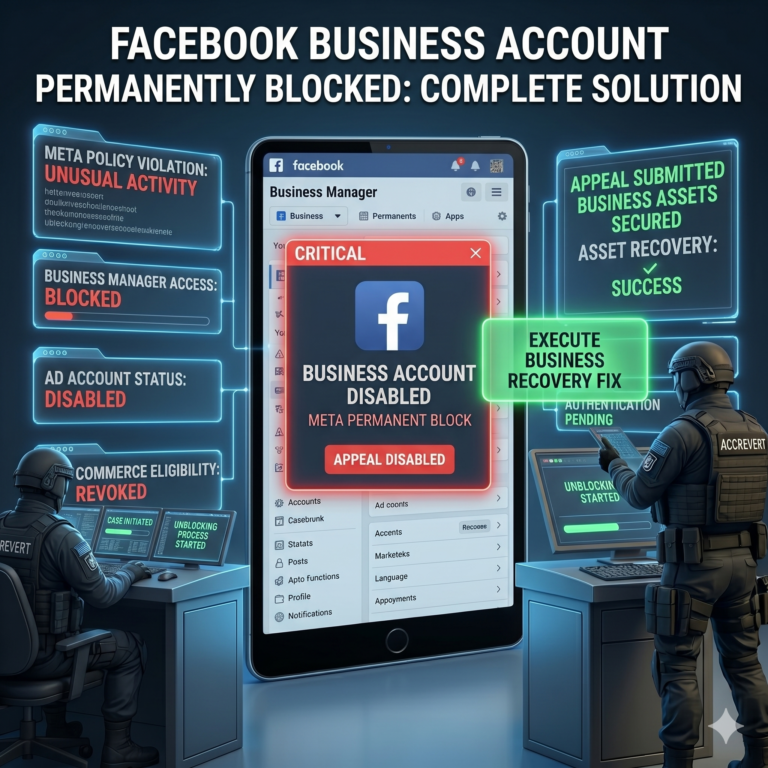
Your Facebook Account Permanently Blocked? The Complete Solution for Businesses