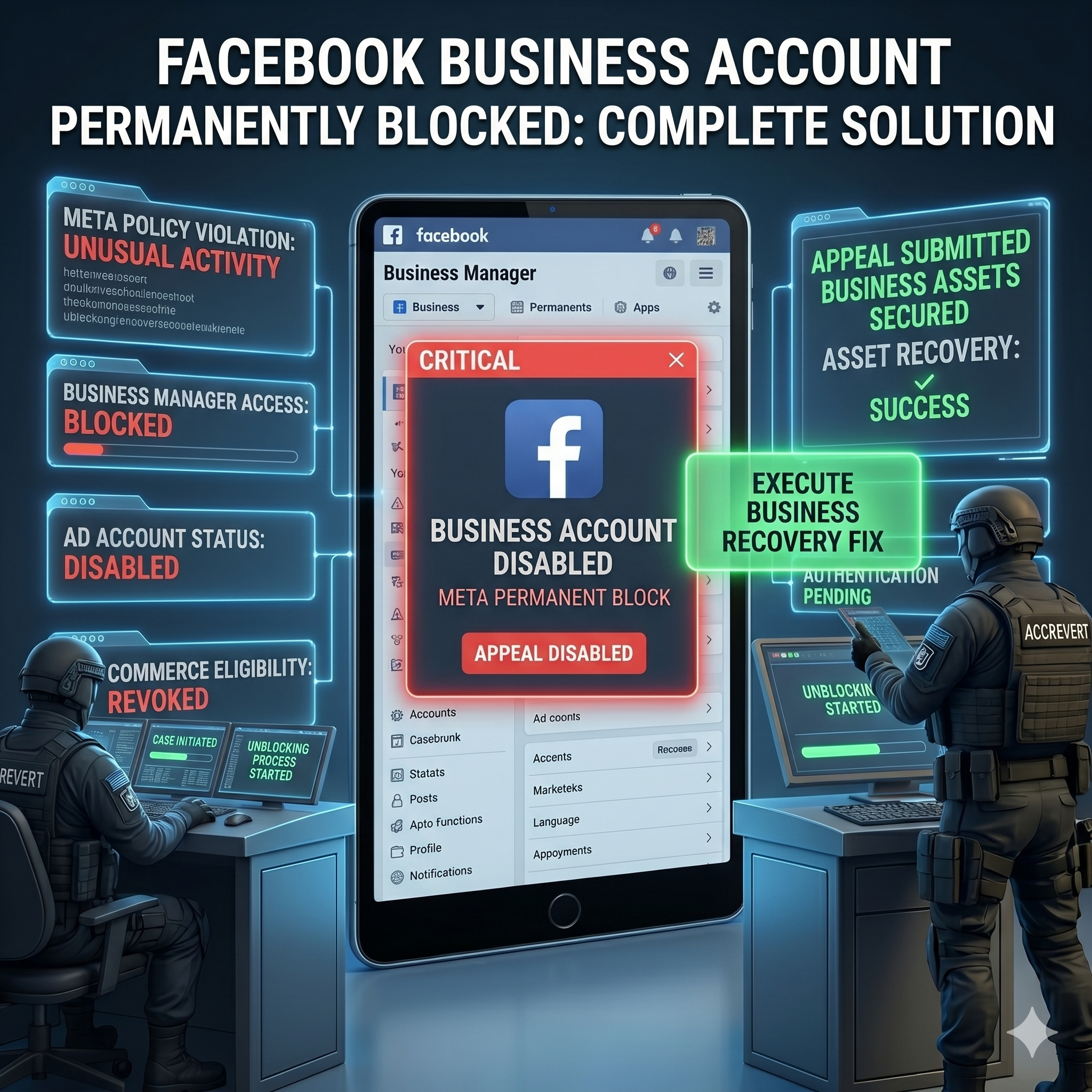
A permanently blocked Facebook account can often be recovered — but only through Meta’s official appeal process, submitted the right way. The key is a well-structured appeal with government-issued identity documents through the correct channel. For business accounts, additional proof of legitimate activity significantly improves your odds. This guide covers exactly why Meta blocks accounts and how to get yours back.
Why Meta Blocked Your Account
Meta’s automated enforcement blocks accounts for several categories:
- Inauthentic behavior: fake names, impersonation, or operating multiple accounts.
- Community-standards violations: content breaching policies on hate speech, violence, nudity, or misinformation.
- Suspicious activity: unusual logins, automation, or rapid engagement actions.
- Payment issues: outstanding Ad Account balances can trigger a full disablement.
Importantly, many legitimate accounts are blocked by false reports from competitors or coordinated reporting campaigns — a known problem Meta acknowledges but cannot fully prevent. If that is your situation, say so clearly in your appeal.
The Recovery Protocol
- Go to Facebook’s official disabled-account appeal form.
- Submit a government-issued photo ID (passport, driver’s license, or national ID).
- Write a clear statement explaining who you are and why the block was an error — factual, not emotional.
- For business accounts, attach proof of legitimate activity: business registration, advertising invoices, and client communications.
Business Account Recovery: Extra Steps
- Check whether other admins can still reach the Business Manager and appeal on your behalf.
- Contact Meta Business Support directly at business.facebook.com/support.
- If you have an active advertising relationship, contact your Meta account representative.
Timeline and Realistic Expectations
| Account type | Typical response | Success rate |
|---|---|---|
| Personal (first offense) | 3–7 days | High (70–80%) |
| Personal (repeat violations) | 7–30 days | Medium (40–50%) |
| Business Page | 5–14 days | High with documentation |
| Ad Account | 3–10 days | Depends on violation |
When Expert Help Is Essential — How AccRevert Helps
For businesses that depend on Facebook for revenue, a permanent block is an emergency — every day without your presence costs customers. AccRevert knows the specific channels, documentation, and escalation paths that give your appeal the best chance in the shortest time. A flat $299 to start, success-based after recovery. See our Facebook recovery service.
What NOT to Do While Blocked
Do not create a new Facebook account to “get around” the block — Meta links it to your identity and device and will usually disable it too, and it can weaken your appeal. Do not submit the same appeal repeatedly; multiple rapid submissions read as spam and slow human review. Do not pay anyone who promises to “hack” your account back or asks for your password. And do not ignore an Ad Account balance — clearing outstanding charges sometimes lifts a payment-triggered disablement on its own. Patience plus one well-documented appeal beats a flurry of panicked actions.
Frequently Asked Questions
Can a permanently blocked Facebook account really be recovered?
Often yes, especially first-offense personal accounts (70–80% success) and well-documented business accounts. “Permanent” is an automated label that a proper ID-verified appeal frequently reverses.
Which appeal form should I use?
Use Meta’s official disabled-account appeal form — most people fail because they use the wrong contact form. Submit your ID and a factual statement once, and avoid duplicate submissions.
My account was blocked from false reports — what do I do?
State exactly that in your appeal and provide evidence of legitimate use. Coordinated false reporting is a known issue, and documented, calm appeals are the way to reverse it.
How do I protect a business Page from a sudden block?
Keep at least two admins, complete Meta business verification, clear any Ad Account balances, and enable 2FA for everyone with access — verified, multi-admin Pages are far easier to restore.
Final Checklist
- Use the official disabled-account appeal form — not a random contact form.
- Submit a matching government ID and a factual statement once.
- Businesses: attach registration, invoices, and client evidence.
- Escalate revenue-critical business cases rather than waiting.
Blocked account hurting your business? Submit your case to AccRevert — pay only when we succeed.
Related Articles
Stop guessing and document the case properly.
Our team can review the account history, available ownership evidence and the recovery steps already attempted.
Why Your Facebook Ads Account Was Disabled (And How to Recover It)

How to Recover a Hacked Facebook Account