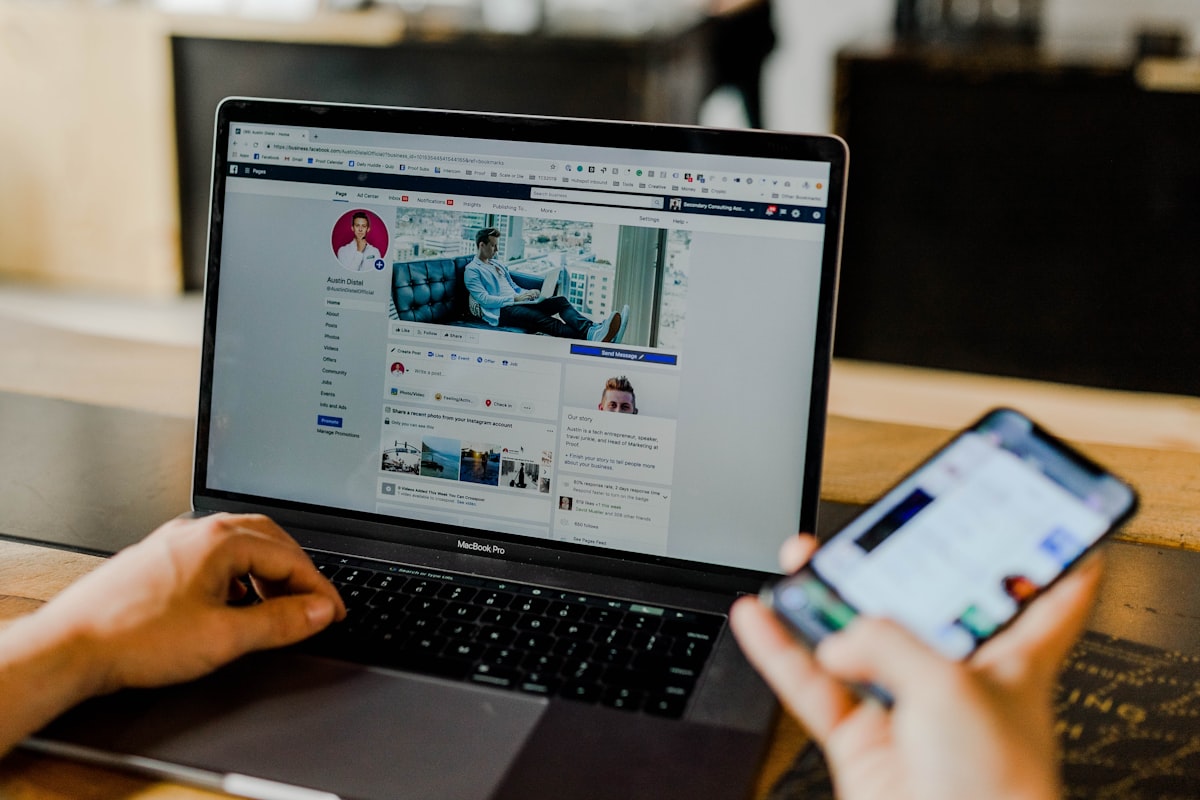
Catching the signs your Facebook account is hacked early gives you time to act before you are completely locked out. Some takeovers are instant, but many happen gradually — the attacker quietly tests access, changes one setting at a time, and only locks you out once they are ready. Knowing exactly what to watch for is what buys you the critical window to recover.
Warning Signs Your Facebook Account Is Hacked
1. Your Password Suddenly Stopped Working
If a password you know is correct suddenly fails, an attacker has likely changed it. Do not keep guessing — go straight to Facebook’s recovery tool at facebook.com/login/identify and start the reset before they change your recovery email too.
2. Login Alerts From Unknown Devices or Locations
Facebook emails you whenever your account is accessed from a new device or place. Any alert you did not trigger means someone else is inside. Check Settings → Security and Login → Where You’re Logged In and end every session you do not recognize.
3. Friends Received Messages You Never Sent
Hackers use hijacked accounts to blast phishing links and “I need money urgently” scams to your contacts. If friends report strange messages from you, your account is being actively misused right now.
4. Posts, Stories, or Comments You Did Not Create
Unauthorized posts, shares, or comments are a clear sign of an active intruder. Open your Activity Log immediately to see what has been posted and remove it.
5. Your Personal Information Changed on Its Own
If your email, phone number, name, or profile photo changed without your action, the attacker is deliberately rewriting your account to lock you out for good. This is the most urgent sign — act within minutes.
6. Unexpected Ads or Charges
Surprise ad campaigns or charges on a linked card point to a Business or Ads Manager takeover — one of the most financially damaging Facebook hacks, because attackers spend your money while impersonating your brand.
What To Do Right Now
Go to facebook.com/hacked immediately, reset your password, review “Where You’re Logged In,” and re-secure your email account (it controls every reset). If the attacker already changed your email and phone, the standard tools may fail — that is when you escalate.
When Recovery Fails — How AccRevert Helps
If your contact details were changed and Facebook’s automated tools keep rejecting you, AccRevert prepares a documented ownership case and escalates it through Meta’s security channels. You start with a flat $299 Legal Prep fee and pay the success-based balance only once your account is back. See our Facebook recovery service.
Frequently Asked Questions
How do I know if my Facebook was hacked or just glitching?
A glitch does not change your email, post content, or trigger new-device login alerts. If you see any of those, plus a password that no longer works, it is a hack — not a bug.
Can I see where my Facebook account is logged in?
Yes. Go to Settings → Security and Login → Where You’re Logged In. It lists every active session with device and location, and lets you log each one out.
The hacker changed my email — can I still recover the account?
Yes, through identity verification and, if that fails, professional escalation. Ownership evidence (old email, past posts, ID) is what makes recovery possible even after everything was changed.
What is the first thing to do the moment I notice a hack?
Reset the password immediately if you still can, then secure your email account. Speed is the single biggest factor in a successful recovery.
Final Checklist
- Reset your password at facebook.com/hacked right away.
- End unknown sessions in “Where You’re Logged In.”
- Secure your email and enable 2FA on it.
- Warn your contacts about phishing from your account.
- Escalate if email/phone were already changed.
Think your Facebook was hacked? Get help from AccRevert — pay only when we succeed.
Related Articles
Stop guessing and document the case properly.
Our team can review the account history, available ownership evidence and the recovery steps already attempted.
Why Your Facebook Ads Account Was Disabled (And How to Recover It)
Your Facebook Account Permanently Blocked? The Complete Solution for Businesses