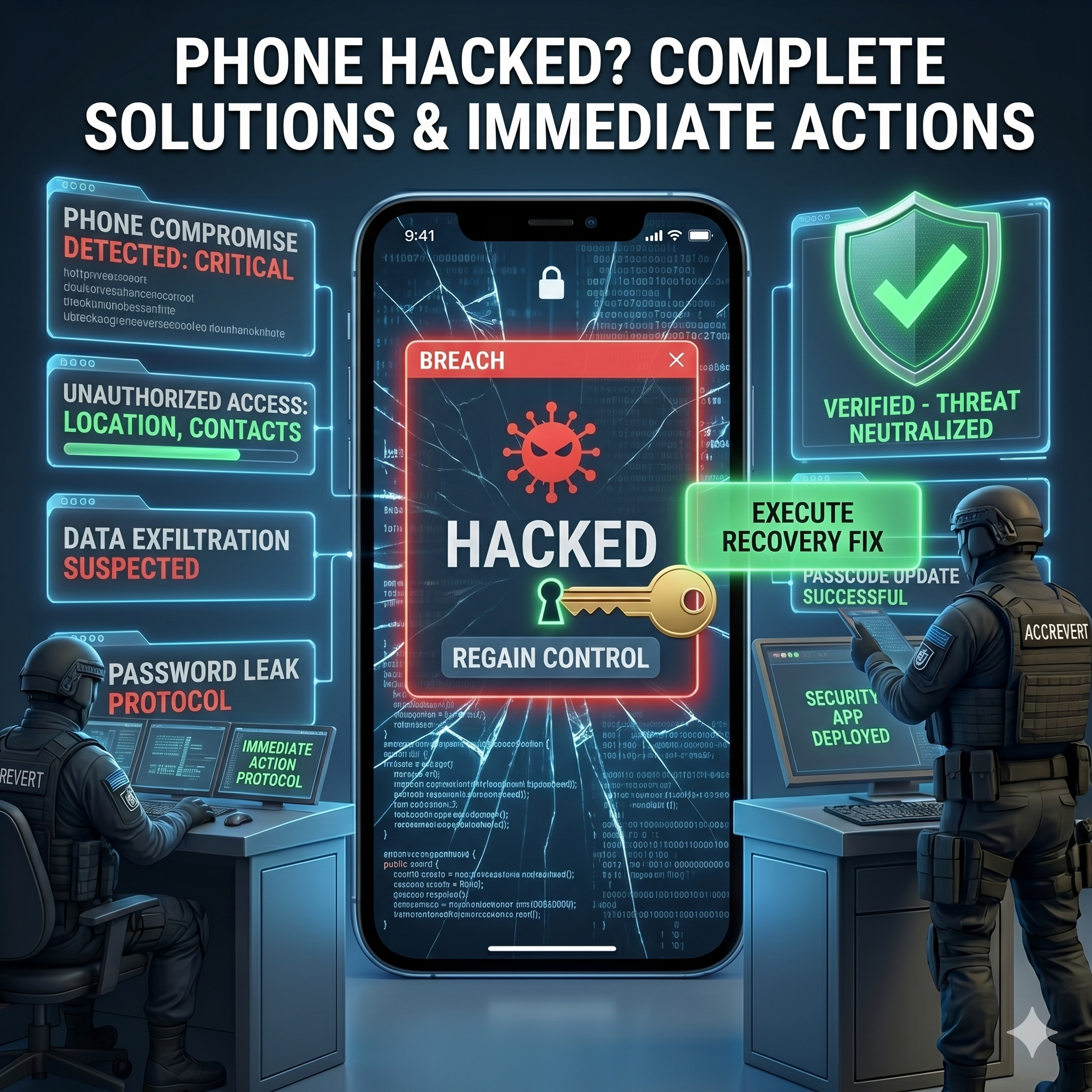
If your phone has been hacked, the first hour matters most. The immediate priorities: disconnect it from the internet, change the passwords for your most critical accounts from a different device, and assess the damage. Crucially, do not factory-reset yet — you may destroy forensic evidence needed to understand the breach and secure the accounts it touched. Here is the full protocol.
Signs Your Phone Has Been Hacked
| Sign | What it may mean | Urgency |
|---|---|---|
| Battery draining much faster | Background spyware running | High |
| Unexplained data-usage spike | Data sent to attacker’s server | Critical |
| Phone unusually hot | Hidden process running | High |
| Apps opening/closing themselves | Remote-access tool installed | Critical |
| Contacts get messages you didn’t send | Account takeover or malware | Critical |
| Unknown apps installed | Malicious software | High |
Immediate Response Protocol
- Disconnect from the internet — turn off Wi-Fi and mobile data to stop data exfiltration.
- Change critical passwords from another device — email first, then banking and social media.
- Alert your contacts that your phone may be compromised and to ignore unusual messages from you.
- Contact your bank to watch for suspicious transactions.
- Do not factory-reset yet — wait for expert consultation; forensic evidence can be crucial.
Common Phone-Hack Types in 2026
- Spyware/stalkerware — secretly monitors calls, messages, location, and camera, often installed by someone with physical access.
- SIM-swapping — your number is moved to the attacker’s SIM, handing them SMS-based 2FA.
- Malicious apps — fake apps hiding malware.
- Phishing links — a tap that installs malware or steals credentials.
- Public Wi-Fi (MITM) — interception on unsecured networks.
Long-Term Recovery
- Identify what was compromised and what data was accessed.
- Perform a clean factory reset after evidence is secured.
- Restore from a clean backup (not one from right before the hack).
- Enable hardware-based 2FA for critical accounts and consider a credit freeze.
Why You Need an Expert — How AccRevert Helps
A phone hack is often the entry point to a much larger attack on your digital life. Without forensic analysis you may clean the device while leaving backdoors open, or miss accounts already compromised. AccRevert specializes in identifying the attack vector, recovering compromised accounts, and hardening you against the next attempt — a flat $299 to start, success-based after. See our recovery services.
How to Prevent Your Phone From Being Hacked
Most phone compromises are avoidable. Keep your operating system and apps updated so known vulnerabilities are patched, and install apps only from the official App Store or Google Play. Never sideload cracked apps or tap links in unexpected texts and DMs. Lock your device with a strong passcode and biometrics so no one can install spyware with brief physical access, add a carrier PIN to block SIM-swaps, and avoid entering sensitive credentials on public Wi-Fi without a trusted VPN. Finally, move your important accounts off SMS 2FA to an authenticator app or hardware key, so a compromised phone number cannot unlock your digital life.
Frequently Asked Questions
What is the first thing to do if my phone is hacked?
Disconnect it from Wi-Fi and mobile data to stop data theft, then change your email and other critical passwords from a different, clean device. Do not factory-reset until evidence is secured.
Should I factory-reset a hacked phone right away?
Not immediately. A reset can destroy forensic evidence needed to find the attack vector and identify which accounts were reached. Secure your accounts first, then reset under guidance.
How do I know if it’s a hack or just a slow phone?
Isolated slowness is normal; combined signs — rapid battery drain, data spikes, self-opening apps, messages you did not send, and unknown apps — point to a compromise, especially several at once.
Can a hacked phone lead to hacked accounts?
Yes — malware can capture passwords, session cookies, and 2FA codes, so a phone hack often cascades into account takeovers. That is why you change passwords from a clean device and audit your accounts.
Final Checklist
- Disconnect from the internet immediately.
- Change critical passwords from a clean device, email first.
- Warn contacts and alert your bank.
- Preserve evidence — reset and harden under expert guidance.
Think your phone has been hacked? The longer you wait, the more damage spreads — submit your case to AccRevert. Pay only when we succeed.
Related Articles
Stop guessing and document the case properly.
Our team can review the account history, available ownership evidence and the recovery steps already attempted.
Session Cookie Theft: How Hackers Bypass 2FA

Best Password Managers for Account Security in 2026